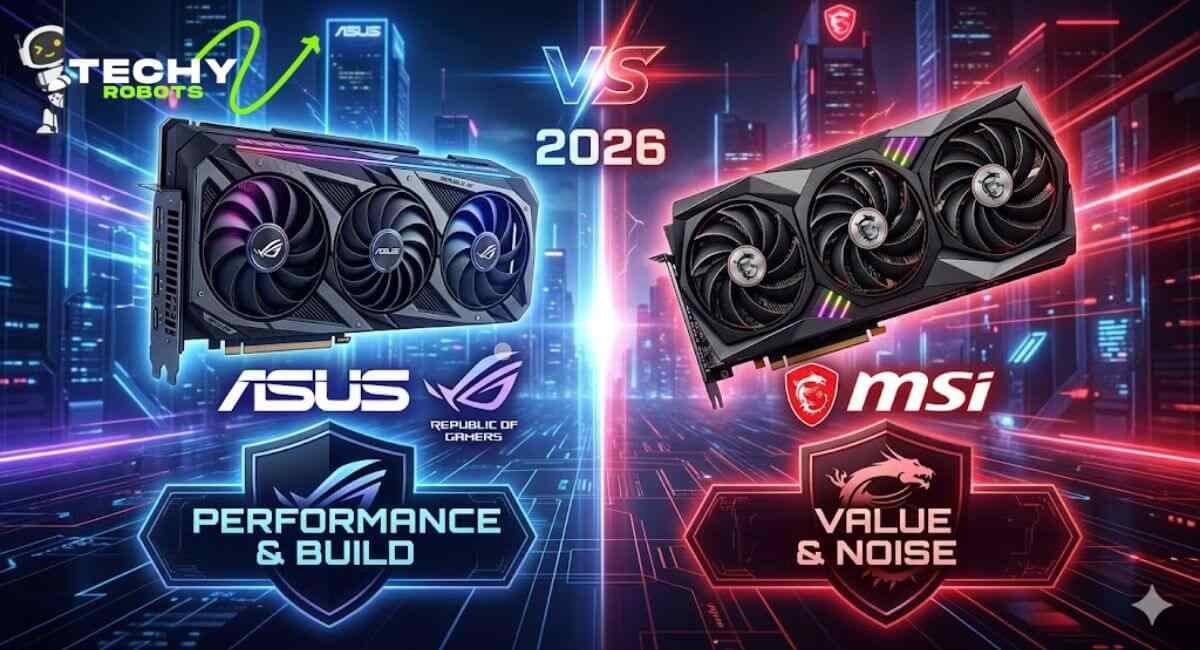
So you’re staring at two graphics cards on your screen. One has the ROG Strix branding from ASUS, the other is an MSI Gaming X Trio. Same GPU chip underneath. Both look impressive. But which one do you actually buy?
This question comes up constantly in gaming PC communities, and honestly, it’s not as simple as picking a winner. ASUS and MSI are two of the most respected NVIDIA and AMD partners in the world, and both make excellent graphics cards. But they’re not identical, and depending on what you’re building, one might suit you a whole lot better than the other.
Let’s break this down properly.
A Quick Look at Both Brands

ASUS Graphics Cards — The ROG and TUF Legacy
ASUS has been in the GPU game for decades. Their Republic of Gamers (ROG) lineup is essentially the flagship tier for serious enthusiasts with premium cooling, premium aesthetics, and a premium price tag. Below that sits the TUF Gaming series, which is built around military-grade components and durability for people who want reliability without going full ROG.
The ASUS Strix cards are particularly well-regarded for their DirectCU II cooling technology, which uses direct contact copper heatpipes to pull heat away from the GPU die more efficiently. It’s a design philosophy that has earned the brand serious respect in the high-performance GPU cooling space.
MSI Graphics Cards — Gaming DNA Since Day One
MSI has always had a very clear gaming identity. Their Gaming X Trio and Ventus series have become staples for PC builders who want solid performance without the eye-watering cost of the absolute top tier. The MSI Gaming Trio coolers use three large fans across a generous heatsink, and the brand has consistently delivered some of the quietest thermal solutions in the mid-to-high GPU market.
MSI also has a strong reputation in the motherboard space, which means their engineering teams understand thermal design and airflow at a deeper system level. That knowledge shows up in their GPU designs.
Cooling Performance — The Real Battleground
If there’s one area where ASUS and MSI fight hardest, it’s cooling. Both brands know that GPU temperature directly affects performance, lifespan, and noise output. So they pour serious engineering into it.
ASUS DirectCU and ROG Strix Cooling Design
ASUS’s DirectCU cooling system is genuinely impressive. Rather than using a standard vapor chamber or basic heatsink, the DirectCU design places copper heatpipes in direct contact with the GPU chip itself. This cuts out the thermal interface layer between the chip and the pipes, which means heat escapes faster.
The ROG Strix versions of popular GPUs like the RTX 4070 take this further with triple-fan setups, large heatsink surface area, and a well-optimized airflow path through the card. Temperatures tend to stay very controlled even under extended gaming sessions. Fan curves are also well-tuned from the factory.
MSI’s Twin Frozr and Gaming X Trio Cooling
MSI’s answer to this has been the Twin Frozr cooler and its evolution into the Gaming X Trio design. The Torx fans MSI uses have an interesting dual-blade design: some blades create airflow while others generate pressure which together push more air through the heatsink at lower noise levels.
In practice, MSI Gaming X Trio cards often run a degree or two warmer than ASUS ROG Strix equivalents, but the noise levels are sometimes actually better. It depends heavily on the specific card and the workload.
Head-to-Head Thermal Comparison
At idle, both brands’ semi-passive fan modes mean the fans don’t spin at all until the GPU hits a certain temperature threshold. Under load, ASUS ROG Strix cards typically land in the 65–72°C range during demanding gaming sessions, while MSI Gaming X Trio cards usually sit between 68–75°C. The ASUS cards tend to run slightly cooler, but the margin is rarely dramatic enough to be the deciding factor on its own.
Build Quality and Durability
How ASUS Builds Its GPUs
ASUS TUF Gaming cards are specifically marketed around durability. The brand uses military-grade capacitors rated for extended operation, reinforced PCIe slots, and auto-extreme manufacturing which is a fully automated PCB production process designed to reduce defects. These aren’t just marketing claims TUF cards do tend to hold up well over years of use.
ROG Strix cards go a step further with premium materials throughout, and the build feels noticeably solid in hand. The backplates are metal, the fan shrouds are thick, and the overall construction suggests something built to last.
How MSI Approaches GPU Construction
MSI cards are also very well made, but the brand’s emphasis tends to be on the cooling system rather than the structural reinforcements. Their Gaming X Trio cards have a solid metal backplate and a sturdy shroud, but they don’t carry the same explicit durability-focused marketing that ASUS TUF does.
That said, MSI GPUs have a strong reputation for longevity in the community. Most users who’ve owned them for four or five years report no issues, which says a lot.
Overclocking Potential
ASUS OC Edition Cards
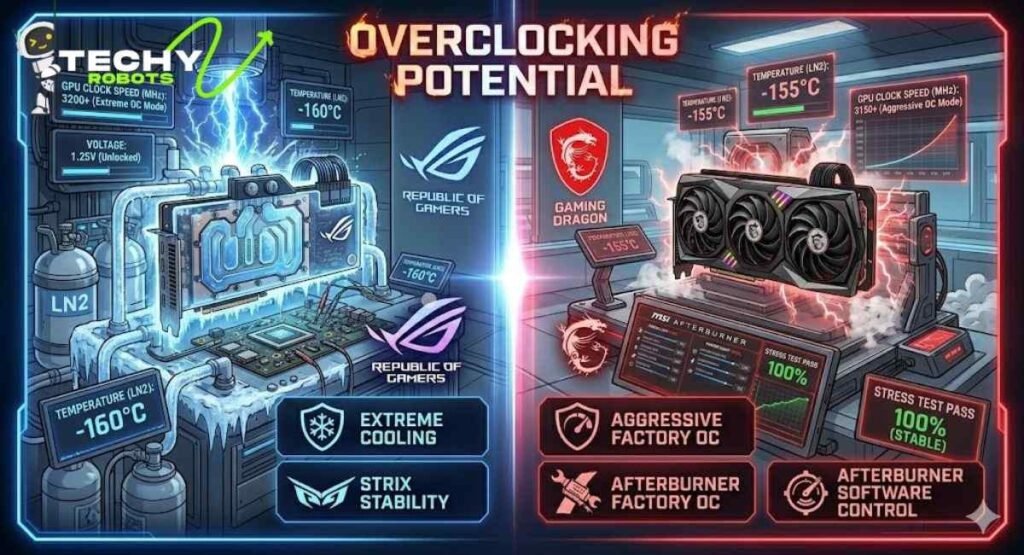
ASUS releases OC Edition variants of most of their GPU lineup. These come with a factory-applied boost to core clock speeds, which typically ranges from a modest 30 to 60 MHz above the reference spec. The ASUS GPU Tweak software allows you to push these further if you want, with voltage controls and fan curve customization available for enthusiast tinkering.
The ROG Strix models are particularly popular with overclockers because the cooler handles the extra heat so well. Getting stable clocks above the factory boost speeds is very achievable on these cards.
MSI Factory-Overclocked Models
MSI’s Gaming X Trio cards come with a factory overclock that’s often more aggressive than ASUS’s out-of-the-box settings. The Ventus 3X OC edition also ships with a mild overclock that delivers a small but real performance bump over reference.
MSI Afterburner which works on any GPU, not just MSI cards is arguably the most powerful and widely used GPU overclocking tool in existence. If you’re serious about squeezing every last frame out of your hardware, MSI Afterburner is the tool the community universally recommends.
GPU Model Lineup Comparison
ASUS ROG Strix, TUF Gaming, and Dual Series
ASUS covers a wide range of price points with their GPU lineup. The ROG Strix sits at the top as the premium enthusiast option. TUF Gaming fills the mid-to-high range with a focus on durability and solid cooling. The Dual series targets more budget-conscious buyers who still want better thermal performance than a reference blower card.
This three-tier approach means there’s an ASUS GPU for pretty much every budget, though their premium tiers tend to cost noticeably more than equivalent MSI options.
MSI Gaming X Trio, Ventus 3X, and Mech Series
MSI’s lineup mirrors this structure. The Gaming X Trio is their flagship consumer GPU, the Ventus 3X sits in the performance-per-dollar sweet spot, and the Mech series handles the budget end. MSI tends to price their mid-range cards a bit more competitively than ASUS, which makes the Ventus 3X a popular choice for builders who want triple-fan cooling without paying flagship prices.
Real Gaming Performance — Does Brand Make a Difference?
Performance on AAA Titles Like The Witcher 3 and Fallout 4
Here’s the honest truth: on the same GPU chip, say, an NVIDIA RTX 4070 the performance difference between an ASUS ROG Strix and an MSI Gaming X Trio in games like The Witcher 3: Wild Hunt or Fallout 4 is minimal. We’re talking about differences in the range of 1–3 FPS, which comes down to the slightly different factory clock speeds rather than any architectural difference.
Where you do see variation is in sustained performance over long gaming sessions. A card that runs cooler maintains its boost clocks more consistently, which means slightly smoother frame rates over time. ASUS tends to edge MSI here due to the slightly better thermal headroom on ROG Strix models.
RTX 4070 Performance Across Both Brands
Looking at modern GPUs like the RTX 4070, both ASUS and MSI offer excellent custom variants. ASUS’s RTX 4070 ROG Strix delivers outstanding cooling and slightly better sustained boost performance. MSI’s RTX 4070 Gaming X Trio gives you triple-fan cooling, solid ray tracing performance, and DLSS support at a price that usually undercuts ASUS by a meaningful margin.
For someone building a high-refresh 1440p gaming rig, either card will serve brilliantly. The MSI saves you money; the ASUS gives you a slight thermal edge and arguably better long-term durability messaging.
Noise Levels and Fan Design

Both ASUS and MSI have worked hard to make their cards quieter in recent years. ROG Strix cards use axial-tech fans that push more air with less turbulence, which translates to surprisingly quiet operation under moderate loads.
MSI’s Torx 4.0 fans use that dual-blade design mentioned earlier, and the result is a card that can handle demanding workloads without the fans becoming intrusive. Gaming X Trio cards are frequently praised in reviews for being among the quietest options in their class.
If noise is your primary concern, the MSI Gaming X Trio honestly has the edge in some comparisons. But it’s close enough that room acoustics and case ventilation matter more than which brand you pick.
Warranty and Customer Support
ASUS Warranty Coverage
ASUS typically offers a three-year warranty on their graphics cards, which is standard for the industry. The warranty process has historically been a mixed bag; some users report quick replacements, while others share stories of slow RMA processes that stretched on for weeks.
ASUS has improved its support infrastructure in recent years, and the overall reputation for warranty service has gotten better. That said, experiences vary by region, and checking what’s typical in your area before buying is a smart move.
MSI Warranty and Member Verification
MSI also offers a three-year warranty on most GPU models. They use a member verification system where you register your card through the MSI website using the serial number to activate warranty coverage. One advantage of this is that it creates a documented ownership record, which can help if you need to make a claim later.
MSI’s customer support reputation is somewhat better than ASUS’s in many community discussions, with faster response times and cleaner RMA experiences reported more consistently. For second-hand GPU buyers, it’s worth noting that warranty coverage depends on the MSI registration, so always check whether the previous owner registered the card.
Price vs Value
Budget Options From Both Brands
ASUS’s Dual series and MSI’s Ventus 2X cards occupy the budget end of custom GPU pricing. These cards strip away the triple-fan setups and premium shrouds in favor of more practical dual-fan designs that still outperform reference blower cards. For someone building a basic gaming PC or upgrading from an old GTX 760 on a tight budget, these options are perfectly respectable.
Premium and Enthusiast-Grade GPUs
At the top end, ASUS ROG Strix cards cost more than MSI Gaming X Trio equivalents on the same GPU chip, often by $30–60 depending on the model. Whether that premium is worth it depends on what you value. If cooling headroom, aesthetics, and long-term durability matter most, ASUS justifies the cost. If you’d rather put that money toward a faster CPU or more RAM, MSI gives you almost the same performance for less.
Software and Ecosystem
ASUS GPU Tweak and Aura Sync
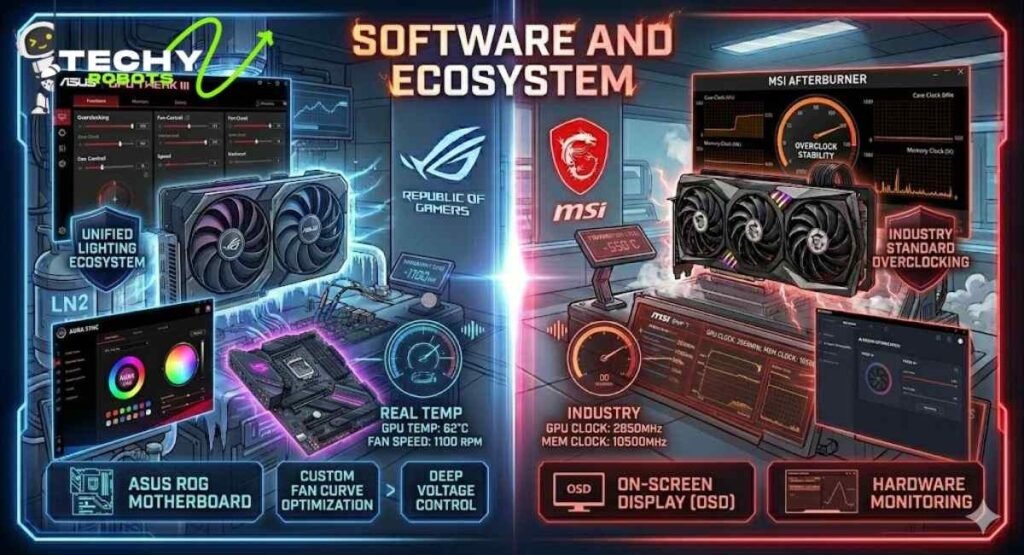
ASUS GPU Tweak III is the brand’s proprietary GPU management software. It handles overclocking, fan curve tuning, voltage controls, and RGB lighting management through Aura Sync, which ties your GPU’s RGB into a unified lighting ecosystem if you’re using other ASUS components like an ASUS motherboard.
If your build is already ASUS-heavy, say, a Z97-A or newer ASUS motherboard the Aura Sync integration is genuinely convenient. Everything talks to everything, and the software experience feels cohesive.
MSI Afterburner and Dragon Center
MSI Afterburner needs no introduction in PC gaming circles. It’s the overclock utility that essentially everyone uses, regardless of GPU brand. On MSI’s own cards, it integrates tightly with hardware monitoring, and the on-screen display overlay is one of the best ways to track real-time GPU temperatures, frame rates, and clock speeds during gaming.
MSI’s Dragon Center (rebranded to MSI Center) handles system-wide monitoring and lighting control, though it’s received mixed reviews for its interface. Afterburner, however, remains an industry standard tool that gives MSI cards a distinct software ecosystem advantage for enthusiasts.
Which Brand Is Better for Your PC Build?
Small Form Factor and Mini-ITX Builds
Both ASUS and MSI offer compact variants of their more popular GPUs for mini-ITX builds and small form factor cases. ASUS’s Dual series tends to have smaller physical dimensions that work well in tighter spaces, while MSI’s Mech series also targets this market. If you’re building a compact rig with limited airflow and need a shorter card, both brands have you covered, though availability varies by GPU generation.
High-End Gaming Rigs
For a full-tower high-performance gaming build with a powerful PSU say, a 750W unit or above either the ASUS ROG Strix or MSI Gaming X Trio in the RTX 4070 or higher tier makes perfect sense. In this context, the ASUS card wins on cooling and aesthetics. The MSI card wins on value and noise levels. Both are excellent.
Community Reputation and Long-Term Reliability
Spend any time on PC gaming forums and subreddits and you’ll see both brands get strong support from their user bases. ASUS ROG Strix cards are consistently cited as some of the best-built GPUs you can buy, with a reputation for lasting through multiple PC upgrades without problems.
MSI has a loyal following too, particularly around the Gaming X Trio and Ventus series. The brand’s GPU reliability over the long term holds up well in real-world user reports. Neither brand has a dominant failure rate story circulating in the community, which says a lot given how many of these cards are in circulation.
The honest answer? Both brands make very good graphics cards, and both have been doing so for a long time. Your choice comes down to priorities rather than picking a clear winner.
Conclusion
When it comes to ASUS vs MSI graphics cards, neither brand is definitively better across the board. ASUS wins on thermal performance with its ROG Strix lineup, build quality through TUF Gaming, and ecosystem integration for ASUS-heavy builds. MSI wins on value, competitive factory overclocks, noise levels in some comparisons, and the legendary Afterburner software.
If you’re building a premium rig and want the absolute best cooling with a focus on long-term durability, ASUS ROG Strix is worth every penny. If you want excellent performance at a more competitive price with quieter operation and the best GPU software tool in the industry, MSI Gaming X Trio or Ventus 3X delivers that convincingly.
At the end of the day, both brands use the same NVIDIA or AMD chips underneath, and both will power your games beautifully. Pick the one that fits your budget, your build, and your priorities.
FAQs
1. Is ASUS better than MSI for graphics cards?
It depends on what you prioritize. ASUS tends to offer slightly better thermal performance and build quality on its ROG Strix models, while MSI provides better value for money and is praised for quieter operation on its Gaming X Trio series. Neither is universally better.
2. Do ASUS and MSI GPUs use the same GPU chips?
Yes. Both are NVIDIA and AMD partner manufacturers, which means they use the same GPU chips like the RTX 4070 or GeForce GTX series but build their own custom coolers, PCBs, and clock speed configurations around them.
3. Which brand has better warranty support, ASUS or MSI?
Both offer standard three-year warranties, but MSI tends to get slightly better reviews for its customer service and RMA process in community discussions. Your regional experience may vary, so it’s worth researching what support is like in your specific location.
4. Is MSI Afterburner only for MSI GPUs?
No, MSI Afterburner works on virtually any GPU, including ASUS cards. It’s the most widely used GPU overclocking and monitoring tool in PC gaming and is completely free to use regardless of your card’s brand.
5. Should I buy ASUS or MSI for a budget gaming PC?
For budget builds, MSI’s Ventus series typically offers better value than ASUS’s equivalent Dual series, usually at a lower price point with comparable cooling. However, always compare current pricing before deciding since deals vary and one brand may be more competitive than the other at any given time.