Claude AI is one of the most impressive conversational AI assistants out there right now, but many people still think it’s locked behind a paywall. It’s not. There are actually several solid ways to use Claude for free in 2026, and some of them go far beyond basic chatting.
You can connect Claude to your bank account, set up a coding assistant without paying a cent, and even run financial analysis right from your terminal. This guide walks you through it all, step by step.
Whether you’re a developer looking to set up Claude Code with a free API, someone who wants to track their spending using AI, or just a curious user wanting to explore Claude without pulling out a credit card, you’re in the right place.
What Is Claude AI and Why Should You Care?

Claude is an AI assistant built by Anthropic, a company founded with a focus on AI safety and reliability. Unlike some other AI tools that feel rushed or inconsistent, Claude has earned a reputation for being thoughtful, nuanced, and genuinely helpful across a wide range of tasks. It can write, code, analyze documents, summarize long texts, answer complex questions, and now, with the right setup, even help you manage your personal finances.
The Claude family currently includes Claude Sonnet and Claude Opus models, each suited to different use cases. Sonnet is fast and efficient for everyday tasks, while Opus digs deeper into complex reasoning. And here’s the part that surprises most people: you don’t need to pay for a subscription to start using it.
How to Access Claude AI for Free Right Now
Claude’s Free Tier on Claude.ai
The most direct way to get started is to visit claude.ai and create a free account. Anthropic offers a free tier that gives you access to Claude with a limited number of messages per day. It’s enough for casual use, short writing projects, quick coding help, and general Q&A. The free tier runs on the Claude Sonnet model, which is more than capable for most everyday tasks.
You won’t get unlimited usage on the free tier, but if you’re just exploring what Claude can do or using it for lighter work, it gets the job done without costing you anything.
Claude Guest Pass System Explained
One lesser-known feature is the Claude Guest Pass. This is a sharing mechanism that lets Claude Pro subscribers share a temporary access link with someone who doesn’t have a subscription. The guest can use Claude through that link for a set time without needing their own account or paying anything.
If you have a friend or colleague on Claude Pro, ask them to share a Guest Pass. It’s a clean, official way to try out more advanced features before you decide whether a paid plan is worth it for you.
Free Claude Access Through Third-Party Platforms
You don’t even need to go to claude.ai directly. Several third-party platforms have built Claude into their own interfaces and offer free access as part of their service.
Poe by Quora
Poe is a multi-model AI platform by Quora that lets you chat with several AI models including Claude. The free plan on Poe gives you a daily message allowance with Claude, making it a good option if you want to compare Claude with other models side by side or if you’re already using Poe for other AI interactions.
DuckDuckGo AI Chat
DuckDuckGo has quietly become one of the better options for free, privacy-first AI access. Their AI Chat feature includes Claude as one of the available models, and it works without requiring an account. If privacy matters to you and you want to chat with Claude without logging in anywhere, DuckDuckGo AI Chat is worth bookmarking.
Brave Leo
If you use the Brave browser, you already have access to Brave Leo, the browser’s built-in AI assistant. Leo supports Claude as one of its underlying models. You can switch to Claude within Leo’s settings and use it directly from your browser sidebar. It’s one of those features that many Brave users don’t realize they already have.
How to Set Up Claude Code for Free
What Is Claude Code?
Claude Code is Anthropic’s command-line AI coding assistant. It’s designed to sit alongside your development workflow, helping you write code, debug problems, explain logic, and build features faster. Developers who’ve used tools like GitHub Copilot or Cursor will recognize the concept, but Claude Code brings Anthropic’s models into the terminal and IDE environment directly.
By default, Claude Code uses the Anthropic API, which requires a paid API key. But here’s the thing: you can swap out that API connection for a free alternative and still get most of the same functionality. This is where things get interesting.
Running Claude Code with Free API Alternatives
The Claude Code CLI is designed to work with OpenAI-compatible API formats. That means any provider that follows that format can be plugged in as a backend, including several that offer free tiers or credits.
Using Gemini API with Claude Code
Google’s Gemini 2.5 Flash is available through Google AI Studio with a free API tier. To use it with Claude Code, you set an environment variable pointing to the Gemini API endpoint and provide your free Google API key. Claude Code’s interface stays the same while Gemini handles the model responses behind the scenes.
Here’s the basic setup flow:
Open your terminal and install Claude Code via npm if you haven’t already. Then set the following environment variables:
ANTHROPIC_BASE_URL=https://generativelanguage.googleapis.com/v1beta/openai/
ANTHROPIC_API_KEY=your_google_api_key_here
Once those are set, launch Claude Code and it will route requests through Gemini. You keep the Claude Code interface and workflow while using a free model underneath.
Using OpenRouter with Claude Code
OpenRouter is an API aggregator that gives you access to dozens of AI models through a single API key. They offer free credits when you sign up, and some of their hosted models have free usage tiers. You can configure Claude Code to use OpenRouter the same way you’d configure it for Gemini, just by pointing the base URL to OpenRouter’s endpoint.
This is especially useful if you want to experiment with different models or if you need more daily capacity than a single free API tier provides. OpenRouter also supports the Claude models themselves, so if you get free credits through them, you can actually run real Claude models through Claude Code without paying Anthropic directly.
How to Connect Claude to Your Bank Account
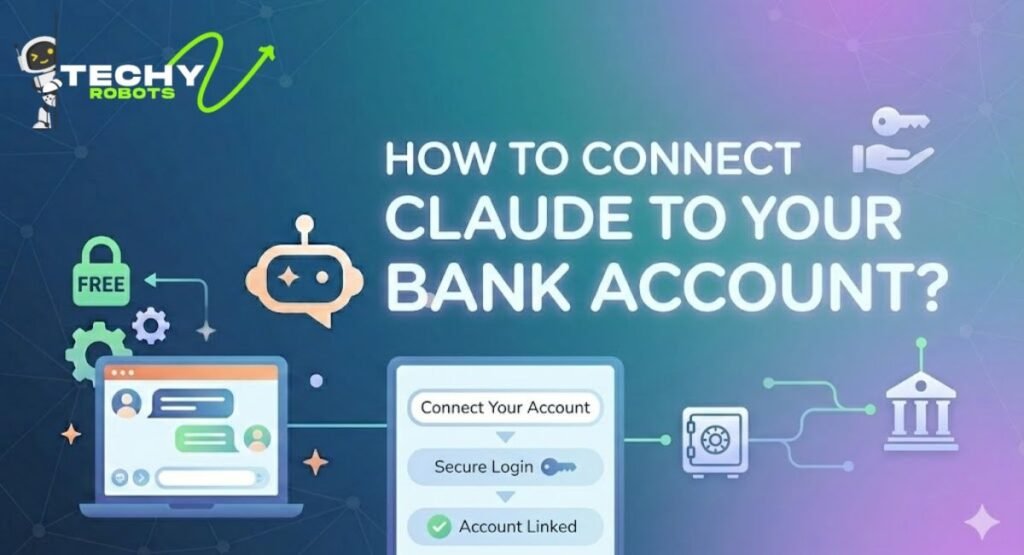
This is probably the most powerful thing on this list, and it’s something most people haven’t heard of yet. You can give Claude real-time access to your bank account data using something called the Model Context Protocol, or MCP. When it’s set up properly, you can ask Claude things like “how much did I spend on dining out last month?” or “what subscriptions am I still paying for?” and get real answers based on your actual transaction history.
What Is the Model Context Protocol (MCP)?
MCP is a standard developed by Anthropic that lets AI models connect to external data sources and tools in a structured, secure way. Think of it as a bridge between Claude and the real world. Instead of Claude only knowing what you type to it, MCP lets Claude pull in live data from other systems, whether that’s your file system, a database, or in this case, your bank.
MCP servers are small programs that sit between Claude and a data source. Claude sends requests to the MCP server, the server fetches or processes the data, and Claude uses that response to answer your question. It’s modular, it’s extensible, and it keeps Claude from needing direct access to sensitive systems.
Introducing Era Context: Claude’s Financial Integration Layer
Era Context is a financial MCP server built specifically to connect Claude to your bank accounts. It uses the MX banking data platform on the backend, which is a regulated financial data provider used by many major banks and fintech apps. Era Context handles the authentication, data fetching, and formatting, so Claude gets clean, structured financial data it can actually reason about.
The setup involves installing the Era Context MCP server locally and connecting it to Claude Desktop. Once connected, Claude can read your account balances, transaction history, spending categories, and more. It does all of this without ever storing your banking credentials and without giving Claude write access to your accounts.
How Era Context Works with MX Banking API
MX is a financial data aggregator. When you authenticate through Era Context’s OAuth flow, you’re giving MX permission to read your transaction data through your bank’s API. MX then normalizes that data and passes it to Era Context, which packages it into a format Claude’s MCP layer understands.
The result is that Claude can see your financial data the same way a budgeting app like Mint or YNAB would, but instead of a fixed dashboard, you have a conversational interface. You ask questions in plain English and get specific answers drawn from your real data.
Step-by-Step: Claude Desktop Bank Account Setup
Installing Claude Desktop
Start by downloading Claude Desktop from Anthropic’s official website. Claude Desktop is the native application version of Claude for Mac and Windows. It supports MCP server connections natively, which the browser version of Claude does not. Once you’ve installed it and logged into your Claude account, you’re ready to configure the MCP connection.
Configuring the MCP Server for Era Context
Era Context publishes its MCP server as an npm package. Open your terminal and run the installation command:
npm install -g era-context-mcp
Next, you need to tell Claude Desktop about this MCP server. Claude Desktop reads its MCP configuration from a JSON file located in your user config directory. On Mac, that’s typically at:
~/Library/Application Support/Claude/claude_desktop_config.json
Open that file and add an entry for the Era Context server. The entry includes the server name, the command to run it, and any required environment variables. Save the file and restart Claude Desktop.
Completing OAuth Authentication for Your Bank
When you first ask Claude a financial question through Era Context, it will trigger the OAuth authentication flow. A browser window will open and take you through a standard bank login process handled entirely by MX. You log in to your bank, grant read-only access, and the OAuth token is stored locally on your machine by Era Context.
After that, every time you ask Claude about your finances, Era Context fetches fresh data using that token and returns it to Claude. You never have to log in again unless the token expires or you revoke access.
What Can Claude Do With Your Financial Data?
Once everything is connected, the possibilities are genuinely useful for day-to-day financial awareness.
Real-Time Spending Pattern Analysis
You can ask Claude to break down your spending by category over any time period. “How much did I spend on food in April?” or “compare my transportation costs this month versus last month” are the kinds of natural language queries Claude handles well when it has access to your real transaction data. It can spot trends you might miss when staring at a bank statement, and it can explain them in plain language without you needing to build a spreadsheet.
Cash Flow Tracking and Subscription Detection
Recurring payments are one of those things that quietly drain accounts without much notice. Claude, with financial data access, can identify repeating charges, flag subscriptions you might have forgotten about, and give you a clear picture of your fixed monthly outflows. Pair that with your income data, and Claude can give you a basic cash flow summary on demand.
Investment Account Monitoring
If your investment accounts are accessible through MX, you can bring those into the conversation too. Ask Claude about your portfolio allocation, recent changes in account value, or how your investment contributions compare to your spending. It’s not a replacement for a financial advisor, but for general awareness and tracking it’s a remarkably capable tool.
Is It Safe to Connect Your Bank to Claude AI?
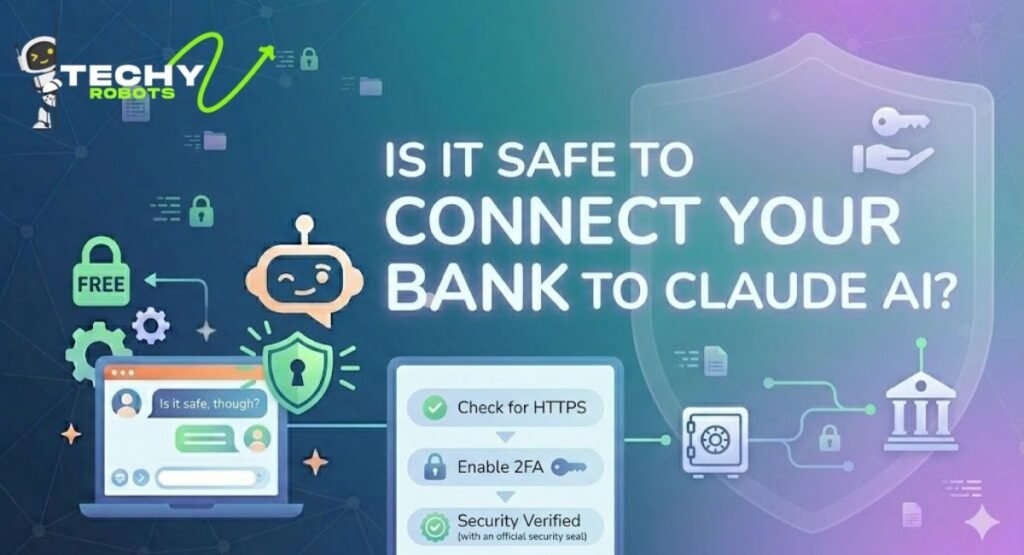
It’s fair to ask this question. Giving any software access to your bank data is something you should approach carefully.
AES-256 Encryption and TLS 1.3 Protocols
Era Context transmits all financial data using TLS 1.3, which is the current gold standard for encrypted data transmission. Data at rest is protected with AES-256 encryption. These are the same standards used by major banks and financial institutions, so the data handling itself is solid.
Read-Only Access and No Credential Storage
The OAuth flow gives Era Context read-only access to your accounts. It cannot initiate transfers, make payments, or change any account settings. Your actual banking username and password are never passed to Era Context or stored anywhere in the system. MX handles authentication directly with your bank, and only a secure token is kept locally on your device.
The model you’re trusting here is the same one you’d trust with any open banking app. If you’re comfortable using a budgeting tool that connects to your bank, the security posture here is comparable.
Claude AI Free Usage Methods: A Full Comparison
There are several different ways to access Claude for free, and the right one depends on what you’re trying to do.
If you want the most straightforward access with no setup, creating a free account on claude.ai is the easiest path. You get daily message limits on the Claude Sonnet model and can start immediately after signing up.
If privacy is your priority, DuckDuckGo AI Chat lets you talk to Claude without creating an account or logging in. It’s the most anonymous option available.
If you already use the Brave browser, Brave Leo is already installed and waiting. You just need to switch the model to Claude in the settings.
If you want to use Claude for coding and don’t want to pay for the API, routing Claude Code through the Gemini API or OpenRouter with free credits is the most practical approach. It takes about fifteen minutes to configure and gives you a fully functional AI coding assistant.
If you want the full Claude experience with financial data integration, the Era Context MCP setup on Claude Desktop is unmatched in terms of what it unlocks. It takes more time to configure, but for anyone who wants to use AI for personal finance analysis, there’s nothing else quite like it right now.
Conclusion
Using Claude AI for free in 2026 is more achievable than most people realize. From the simple free tier on claude.ai to third-party platforms like Poe and DuckDuckGo AI Chat, there are multiple ways to get started without paying anything. For developers, swapping the Claude Code backend for a free API like Gemini makes the whole coding assistant experience accessible at zero cost.
The most exciting frontier is the financial integration side. Connecting Claude to your bank through Era Context and MCP turns Claude into a genuinely personal finance assistant that works with your real data, not generic advice. It takes some setup, but once it’s running, the experience of asking plain-English questions and getting answers grounded in your actual spending and income is hard to go back from.
Claude is not just a chat tool anymore. With the right configuration, it becomes a layer on top of your digital life, one that actually knows your context, understands your finances, and helps you reason through decisions with data that’s specific to you.
FAQs
1. Can I use Claude AI completely for free without any credit card?
Yes. Creating a free account on claude.ai requires only an email address. No payment information is needed for the free tier. You can also access Claude through DuckDuckGo AI Chat without even creating an account.
2. What is the difference between Claude Sonnet and Claude Opus on the free tier?
The free tier on claude.ai gives you access to Claude Sonnet, which is Anthropic’s faster, more efficient model. Claude Opus is deeper and more capable for complex reasoning tasks but is available on paid plans. For most everyday use cases, Sonnet performs excellently.
3. Is it legal to connect Claude to my bank account?
Yes. The Era Context and MX integration uses a standard OAuth flow that complies with open banking regulations. You’re granting read-only permission through the same kind of authorization process used by popular budgeting apps. Your bank’s terms of service generally allow this type of access.
4. Will Claude store my banking credentials or financial data?
No. Era Context uses OAuth tokens, meaning your bank username and password are never passed to or stored by the MCP server. Financial data is fetched in real time when you make a request and is not permanently stored outside your local machine.
5. Can I use Claude Code for free if I don’t have an Anthropic API subscription?
Yes. By configuring Claude Code to use the Gemini API through Google AI Studio or routing it through OpenRouter, you can run the Claude Code CLI without a paid Anthropic API key. Both Gemini and some OpenRouter models offer free tiers that work with Claude Code’s OpenAI-compatible API format.