
Android 16 update is shaping up to be one of the most exciting Android releases in years. Google has focused on making Android smarter, safer, smoother, and more productive for everyday users. Whether you love customization, multitasking, photography, gaming, or privacy, Android 16 introduces meaningful upgrades that improve the overall experience.
Unlike smaller Android updates from the past, this version feels more refined and practical. Many of the changes are designed to solve real-world frustrations. Notifications are cleaner, multitasking is easier, battery management is smarter, and security protections are stronger than ever.
If you have been wondering what is new in the Android 16 update, this guide explains everything in detail in simple language.
Android 16 Release Date and Rollout Schedule
Google usually releases major Android versions in the second half of the year. The Android 16 release date is expected to follow a staged rollout pattern, beginning with Google Pixel devices before expanding to Samsung, Xiaomi, OnePlus, Oppo, and other Android brands.
Pixel phones typically receive updates first because Google develops Android directly for its own hardware. Samsung users may receive the One UI version based on Android 16 shortly afterward.
The rollout schedule depends on:
- Device compatibility
- Manufacturer testing
- Regional availability
- Carrier approval
Older devices may not receive the update, especially entry-level models with limited software support periods.
Android 16 New Features Overview
The biggest reason people are excited about Android 16 is the sheer number of usability improvements. Instead of focusing only on visual redesigns, Google concentrated on making Android smarter behind the scenes.
Some of the most talked-about Android 16 features include:
- Desktop windowing mode
- Live updates notifications
- Better multitasking tools
- Advanced privacy protections
- Bluetooth audio sharing
- Improved accessibility support
- Predictive back navigation
- Adaptive layouts
- Performance enhancements
- Stronger scam protection
These upgrades improve both smartphones and larger-screen Android devices like tablets and foldables.
Android 16 vs Android 15
Performance Comparison
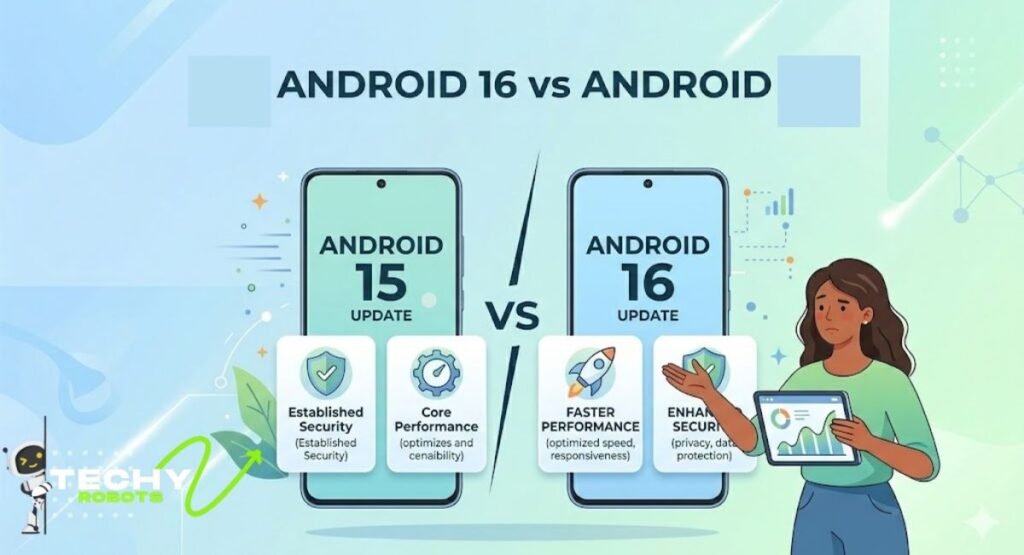
One major difference between Android 16 and Android 15 is efficiency. Android 16 includes deeper Android runtime improvements and smarter background process management.
Apps launch faster, animations feel smoother, and background tasks consume less battery power.
Google also improved JobScheduler optimization, helping apps complete tasks more efficiently without draining the battery.
UI and Design Changes
Android 16 introduces subtle but effective design improvements. The interface feels cleaner and more responsive.
Users will notice:
- Smoother transitions
- Improved gesture navigation
- Better edge-to-edge visuals
- Cleaner notification layouts
- Enhanced haptic feedback sliders
The operating system now feels more polished and modern.
Privacy and Security Improvements
Privacy is one of the strongest focuses in Android 16. Google expanded app permission control and introduced safer intent protections to prevent malicious app behavior.
The new identity check feature helps reduce unauthorized access attempts and protects sensitive information.
Battery and Efficiency Upgrades
Battery optimization Android tools now work more intelligently in the background. Android 16 studies usage patterns more effectively and limits unnecessary power consumption.
Heavy apps no longer waste battery when inactive.
Android 16 System UI Changes
Edge-to-Edge UI Enforcement
Apps now take full advantage of the display area with better edge-to-edge rendering. This creates a more immersive experience while watching videos, gaming, or browsing.
The interface looks cleaner and more premium.
Automatic Themed Icons
Android 16 expands support for themed icons, making home screens look more consistent and visually balanced.
More apps automatically adapt to wallpaper colors without requiring third-party launchers.
Improved Animations and Transitions
Animations are smoother and more responsive in Android 16. Opening apps, switching tasks, and navigating menus feel faster and more fluid.
Even small visual details feel refined.
Predictive Back Gesture Improvements
The predictive back gesture system now gives users a preview before exiting an app or returning to a previous page.
This small change improves navigation confidence and reduces accidental exits.
Android 16 Productivity Tools
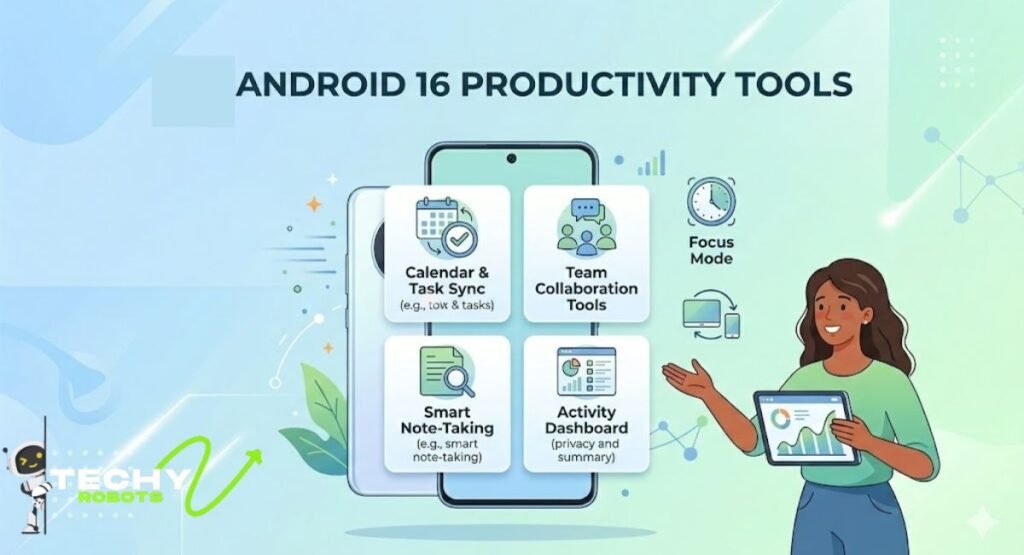
Desktop Windowing Mode
One of the biggest multitasking features in Android 16 is desktop windowing support.
Users can:
- Resize app windows
- Open multiple apps simultaneously
- Use tablet-like desktop workflows
- Improve productivity on larger screens
This feature pushes Android closer to a true desktop experience.
Multitasking Features for Tablets
Android tablets receive major improvements with adaptive layouts and better task management.
Users can drag, resize, and organize apps more efficiently than before.
Custom Keyboard Shortcuts
Android 16 introduces more advanced keyboard shortcut support for external keyboards.
This is especially useful for professionals, students, and tablet users.
Adaptive Layouts for Larger Screens
Apps now scale better across foldables, tablets, and large-screen devices.
Adaptive layouts improve usability and eliminate awkward app stretching.
Android 16 Notification and Interaction Upgrades
Live Updates Feature
The new live updates feature in Android 16 provides real-time tracking directly in notifications.
Users can monitor:
- Food delivery progress
- Ride-sharing status
- Navigation updates
- Sports scores
- Package tracking
Without constantly opening apps.
Notification Grouping System
The improved Android 16 notification grouping system automatically organizes alerts more intelligently.
This reduces clutter and improves readability.
Progress-Centric Notifications
Progress notifications display live information dynamically instead of static alerts.
This helps users stay informed without interruption.
Notification Cooldown Feature
Android 16 reduces repetitive notification sounds during message floods.
This prevents constant buzzing and improves focus.
Android 16 Privacy Updates
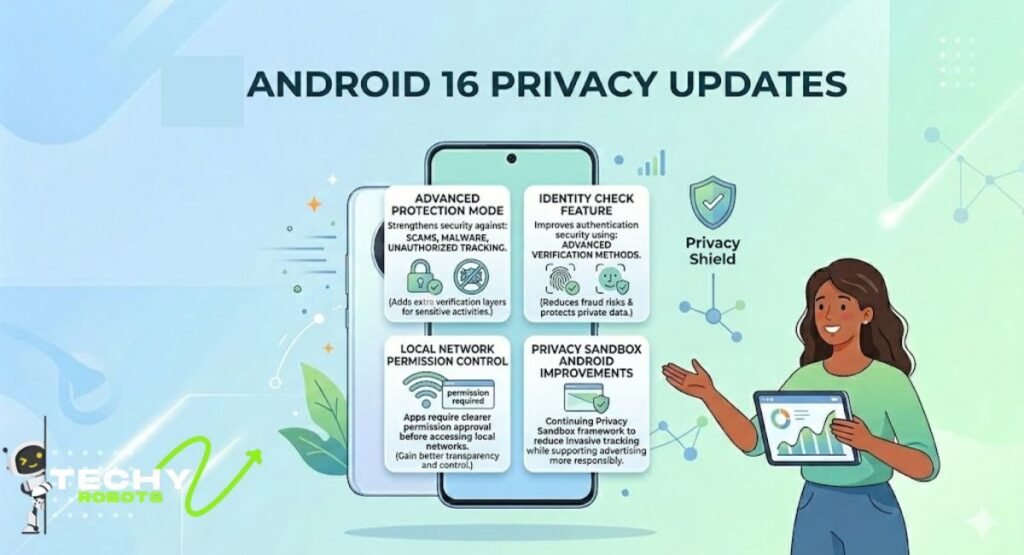
Advanced Protection Mode
The new advanced protection mode strengthens device security against scams, malware, and unauthorized tracking.
It adds extra verification layers for sensitive activities.
Identity Check Feature
The identity check feature improves authentication security using advanced verification methods.
This reduces fraud risks and protects private data.
Local Network Permission Control
Apps now require clearer permission approval before accessing local networks.
Users gain better transparency and control.
Privacy Sandbox Android Improvements
Google continues improving the Privacy Sandbox Android framework to reduce invasive tracking while supporting advertising systems more responsibly.
Android 16 Security Features
Intent Redirection Protection
Android 16 blocks suspicious intent redirects that malicious apps sometimes use to trick users.
This greatly improves app safety.
Safer Intents System
The safer intents system prevents apps from abusing internal communication mechanisms.
This makes Android more secure at the system level.
Media Store Lockdown
The new media store lockdown limits unauthorized media access by apps.
Your photos and videos receive stronger protection.
Scam and Fraud Protection Enhancements
Google added stronger scam detection tools to help identify suspicious activities and harmful apps faster.
These upgrades are especially important for online banking and digital payments.
Android 16 Accessibility Features
LE Audio Hearing Aid Support
The improved LE Audio hearing aids support delivers clearer sound quality and lower latency.
Users with hearing devices get a much better experience.
Phone as Microphone Input
Android 16 allows phones to function as microphone inputs for hearing devices in certain situations.
This improves communication in noisy environments.
Ambient Sound Control
Users can better manage environmental audio levels through accessibility controls.
This helps during conversations and public settings.
TalkBack Improvements
TalkBack becomes smarter, faster, and easier to use with improved voice feedback and gesture handling.
Accessibility APIs Android enhancements also help developers create more inclusive apps.
Android 16 Camera and Media Improvements
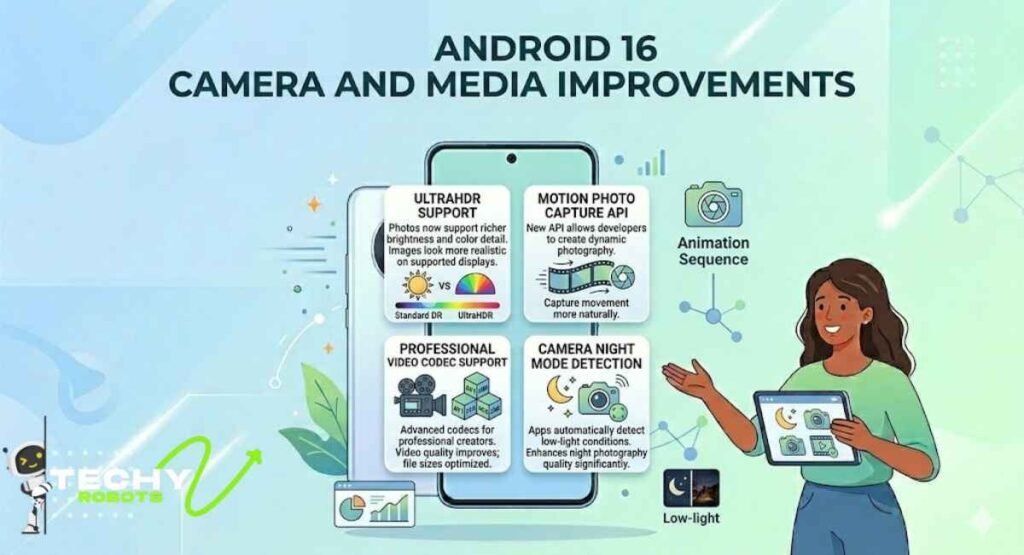
UltraHDR Support
Photos now support richer brightness and color detail using UltraHDR support.
Images look more realistic on supported displays.
Motion Photo Capture API
The new motion photo capture API allows developers to create more dynamic photography experiences.
Users can capture movement more naturally.
Professional Video Codec Support
Android 16 introduces support for more advanced video codecs aimed at professional creators.
Video quality improves while file sizes remain optimized.
Camera Night Mode Detection
Apps can now detect night mode conditions automatically for better low-light photography performance.
This enhances photo quality significantly.
Android 16 Connectivity and Bluetooth Features
Bluetooth Audio Sharing
One exciting feature is Bluetooth audio sharing, which allows multiple users to listen to the same audio stream simultaneously.
Perfect for travel, movies, or music sessions.
Wi-Fi 6 Ranging Security
Android 16 improves Wi-Fi 6 ranging security for more accurate and safer distance detection.
This supports smart home and connected device functionality.
Device Proximity Detection
The new proximity tools improve interactions between nearby devices.
Connected ecosystems become smoother and more responsive.
BLE Connection API Improvements
Developers gain more reliable BLE connection APIs for better wearable and accessory integration.
Android 16 Performance Enhancements
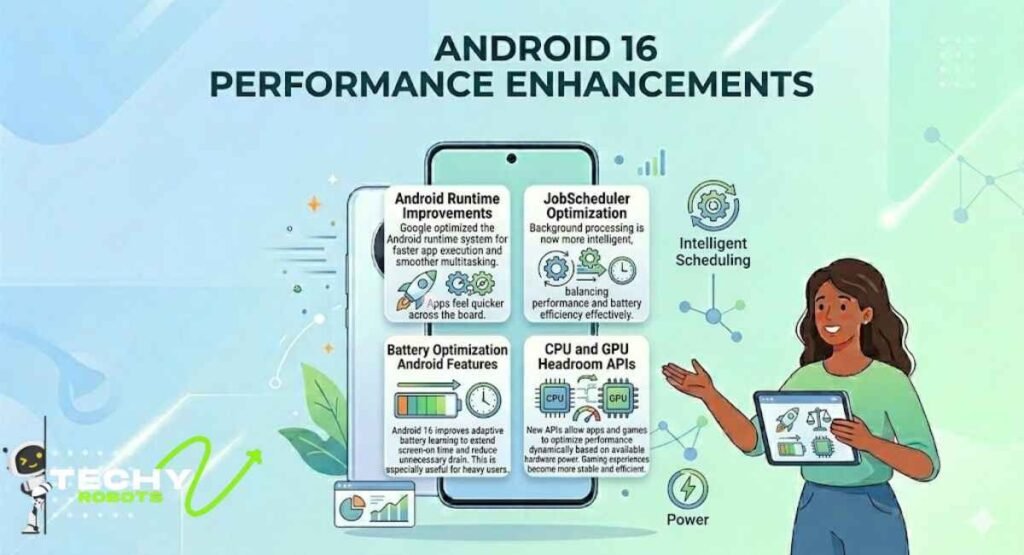
Android Runtime Improvements
Google optimized the Android runtime system for faster app execution and smoother multitasking.
Apps feel quicker across the board.
JobScheduler Optimization
Background processing is now more intelligent, balancing performance and battery efficiency effectively.
Battery Optimization Android Features
Android 16 improves adaptive battery learning to extend screen-on time and reduce unnecessary drain.
This is especially useful for heavy users.
CPU and GPU Headroom APIs
New APIs allow apps and games to optimize performance dynamically based on available hardware power.
Gaming experiences become more stable and efficient.
Android 16 Developer Features
Android 16 APIs
Developers receive new APIs for:
- Performance tuning
- Accessibility
- Camera controls
- Connectivity
- Media quality
These tools help create smarter apps.
Camera2 API Updates
The updated Camera2 API gives developers greater control over professional camera features.
Photography apps become more powerful.
System Triggered Profiling
Developers can now identify performance bottlenecks more efficiently through automated profiling systems.
MediaQuality Framework
The new MediaQuality framework improves audio and video consistency across apps and devices.
Hidden Features You Should Know
Some of the best Android 16 hidden features are small improvements users discover over time.
These include:
- Smarter clipboard protection
- Better app archive controls
- Improved themed widgets
- Faster app installs
- Enhanced haptic tuning
- Smoother gesture responsiveness
These little details quietly improve daily phone usage.
How to Update to Android 16
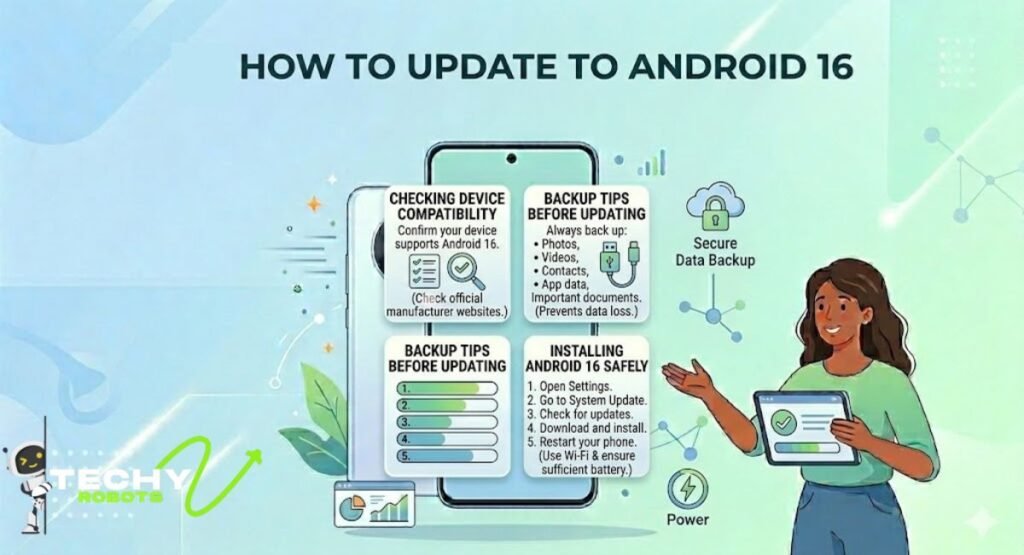
Checking Device Compatibility
Before updating, confirm whether your device supports Android 16.
Manufacturers usually publish compatibility lists on official websites.
Installing Android 16 Safely
To install Android 16:
- Open Settings
- Go to System Update
- Check for updates
- Download and install
- Restart your phone
Use Wi-Fi and ensure sufficient battery before starting.
Backup Tips Before Updating
Always back up:
- Photos
- Videos
- Contacts
- App data
- Important documents
This prevents accidental data loss.
Is Android 16 Worth Upgrading To?
For most users, the answer is yes.
Android 16 feels smarter, smoother, and more practical than previous Android versions. The update focuses heavily on real usability improvements instead of flashy gimmicks.
People who care about multitasking, privacy, security, accessibility, and battery life will notice major benefits immediately.
Tablet and foldable users may benefit the most because Android 16 introduces serious productivity improvements that finally make larger-screen Android devices feel fully optimized.
Conclusion
Android 16 is more than just another yearly Android update. It introduces meaningful improvements that make devices feel faster, safer, and easier to use every day. From desktop windowing and live updates to stronger privacy controls and accessibility upgrades, nearly every part of the operating system feels more polished.
The update also shows Google’s bigger vision for Android. Phones, tablets, foldables, wearables, and smart devices are becoming more connected, more intelligent, and more adaptive to how people actually use technology.
If your device supports Android 16, upgrading will likely give you a smoother experience, better battery efficiency, smarter multitasking, and stronger protection against modern security threats. It may easily become one of the most useful Android releases in recent years.
FAQs
What is new in the Android 16 update?
Android 16 introduces desktop windowing, live updates notifications, improved privacy controls, Bluetooth audio sharing, adaptive layouts, stronger security protections, and better multitasking features.
Which phones support Android 16?
Google Pixel devices usually receive Android updates first, followed by Samsung, OnePlus, Xiaomi, Oppo, and other supported brands, depending on their update policies.
Is Android 16 better than Android 15?
Yes. Android 16 improves battery optimization, multitasking, privacy, security, animations, accessibility, and overall performance compared to Android 15.
Does Android 16 improve battery life?
Yes. Android 16 includes smarter background processing, adaptive battery learning, and JobScheduler optimization to reduce unnecessary battery drain.
How safe is Android 16?
Android 16 includes advanced protection mode, identity verification tools, safer intents, media store lockdown, and scam prevention features that significantly improve overall device security.