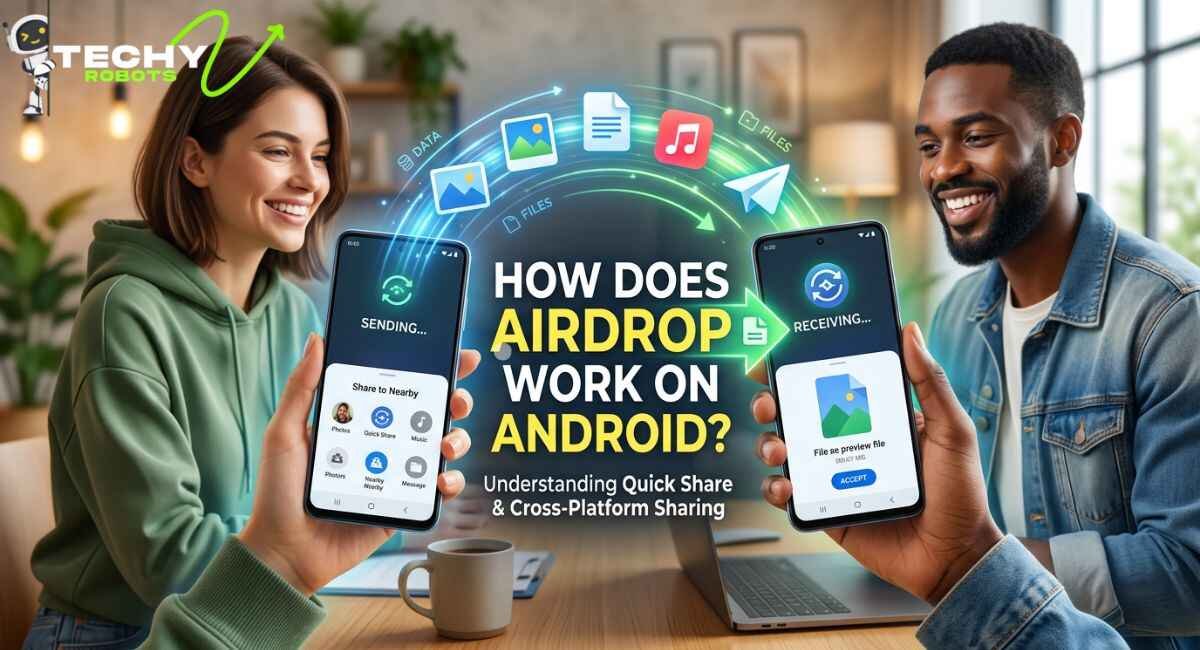
If you’ve ever stood next to an iPhone user and watched them wirelessly zap a photo to another Apple device in seconds, you’ve probably asked yourself can Android do that too? Can Android use AirDrop? The short answer is no, not directly. But the longer answer is actually way more interesting, especially in 2026, because the gap between Apple’s AirDrop and Android’s wireless sharing tools has shrunk dramatically.
This guide breaks down exactly how AirDrop works, why it doesn’t natively function on Android, what Google has built as a real alternative, and the best ways to share files between Android and iPhone right now. Whether you’re a tech-savvy Pixel user or just someone tired of emailing yourself photos, this one’s for you.
What Is AirDrop and How Does It Actually Work?
AirDrop is Apple’s proprietary wireless file transfer system built exclusively into iOS and macOS devices. It uses a combination of Bluetooth and Wi-Fi to create a direct, peer-to-peer connection between two Apple devices, no internet connection required, no cables, no drama.
When you send something via AirDrop, your iPhone uses Bluetooth to discover nearby Apple devices and then establishes a Wi-Fi Direct link to transfer the actual file. The data is encrypted during transfer, which makes it pretty secure for a quick, casual file share. It’s fast, it works for photos, videos, documents, contacts, links, and more, and it requires absolutely zero setup once your device is configured.
The Technology Behind AirDrop
AirDrop relies on a proprietary Apple protocol called AWDL Apple Wireless Direct Link. This is a peer-to-peer Wi-Fi protocol Apple designed in-house, and it operates on the 5GHz Wi-Fi band. AWDL is what makes AirDrop fast and reliable, but it’s also the reason Android phones can’t use it. Google and Samsung have no access to AWDL, and Apple has never opened it up to third-party operating systems.
On top of AWDL, AirDrop uses Bonjour (Apple’s zero-configuration networking protocol) and TLS encryption to handle device discovery and secure the data transfer. This is a tightly integrated, closed-loop Apple system from start to finish.
AirDrop Visibility Settings Explained
One thing that trips people up is AirDrop’s visibility settings. You can set your device to be discoverable by “Everyone,” “Contacts Only,” or turn it off completely. Apple even introduced a setting where “Everyone” mode only stays active for 10 minutes before reverting to “Contacts Only” , a small security measure to prevent random strangers from spamming your device with files in public.
If someone can’t seem to find your AirDrop, checking these settings is always the first troubleshooting step.
Can Android Use AirDrop? Here’s the Real Answer
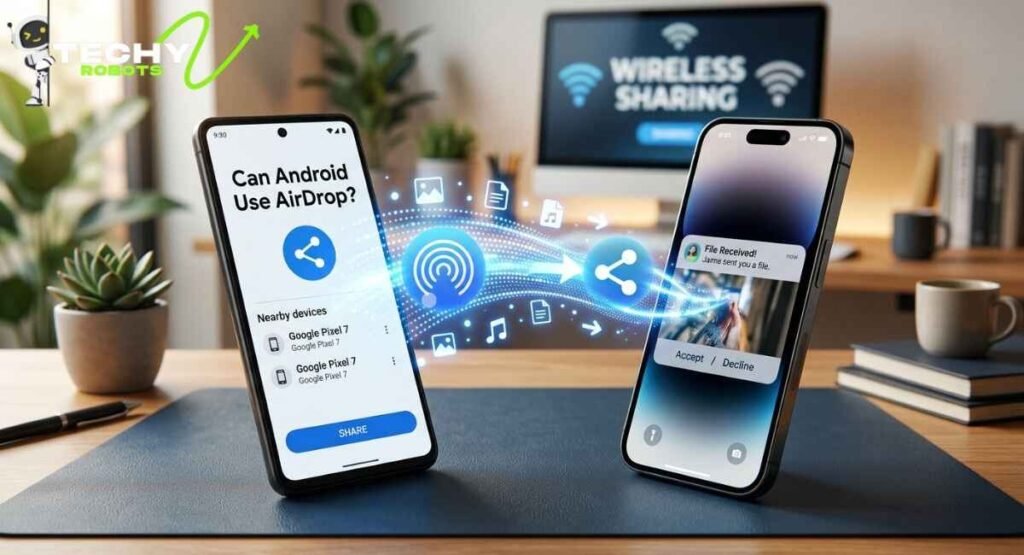
No, Android phones cannot use Apple AirDrop directly. This is not a missing feature or an oversight. It’s a deliberate ecosystem boundary. Apple built AirDrop on AWDL, a protocol that only runs on Apple hardware and software. Android phones run Google’s Android OS, which simply doesn’t support AWDL.
This means even if you have a brand new Samsung Galaxy or a Google Pixel 10, there is no way to send a file directly to an iPhone using AirDrop from your Android device. The two ecosystems speak different languages at the wireless protocol level.
Why Apple Hasn’t Opened AirDrop to Android
Apple has historically kept AirDrop as an Apple-only experience. Part of this is ecosystem strategy; the seamless handoff between Apple devices is a major selling point of the Apple ecosystem. Part of it is also the European Digital Markets Act (DMA), which has pushed Apple to open some features to competitors. However, as of 2026, AirDrop remains closed to Android.
That said, Google hasn’t been sitting still.
Google Quick Share: Android’s AirDrop
Google’s answer to AirDrop is called Quick Share (previously known as Nearby Share). It’s baked right into Android devices, works without an internet connection, and uses a combination of Bluetooth, Wi-Fi Direct, and Wi-Fi Aware to transfer files between nearby Android devices.
Quick Share works remarkably similarly to AirDrop in practice. You open the share menu, tap Quick Share, nearby compatible devices appear, you select one, and the file transfers wirelessly in seconds. It supports photos, videos, documents, links, apps, and more.
How Quick Share Works on Android
Here’s the step-by-step process for sending a file using Quick Share:
Open the file you want to share on your Android device. Tap the Share button and select Quick Share from the options. Your phone will start scanning for nearby Android devices with Quick Share enabled. The recipient’s device gets a notification asking if they want to accept the file. Once accepted, the transfer begins over a direct Wi-Fi connection.
The whole process takes about as long as AirDrop, usually just a few seconds for photos, slightly longer for large videos.
Quick Share vs AirDrop: How Do They Compare?
Both tools are fast, require no internet, and work wirelessly over a secure direct connection. AirDrop is exclusive to Apple devices. Quick Share works across Android devices from any manufacturer Samsung, Google Pixel, OnePlus, and more. Quick Share also works cross-platform with Windows PCs that have the Quick Share app installed, which is actually something AirDrop can’t do with non-Apple computers.
One area where AirDrop still has an edge is the seamless iPhone-to-Mac experience. If you’re in the Apple ecosystem, AirDrop just works everywhere without thinking about it. Quick Share hasn’t quite reached that level of invisible integration yet, though it’s getting very close.
The Pixel 10 and AirDrop: What Google Changed in 2026
The Google Pixel 10 brought some notable improvements to Quick Share that directly narrowed the gap with AirDrop. Google has optimized Quick Share to feel more instant, with faster device discovery and snappier transfer initiation. The Pixel 10’s Wi-Fi 7 chip also means that large file transfers over Quick Share happen noticeably faster than on older Pixel models.
There were rumors leading up to the Pixel 10’s release that Google might introduce some form of cross-platform AirDrop compatibility, potentially through integration with Apple’s framework under pressure from EU regulations. While that full cross-platform vision hasn’t fully materialized, Google has made Quick Share significantly more capable and has expanded it to work more smoothly on non-Pixel Android phones.
Is There AirDrop for Android in 2026?
Not natively from Apple, no. But if you’re asking whether Android has a feature that works just like AirDrop, the answer is yes Quick Share is essentially AirDrop for Android. The branding and protocols are different, but the user experience is nearly identical for Android-to-Android transfers.
How to Send Files from Android to iPhone
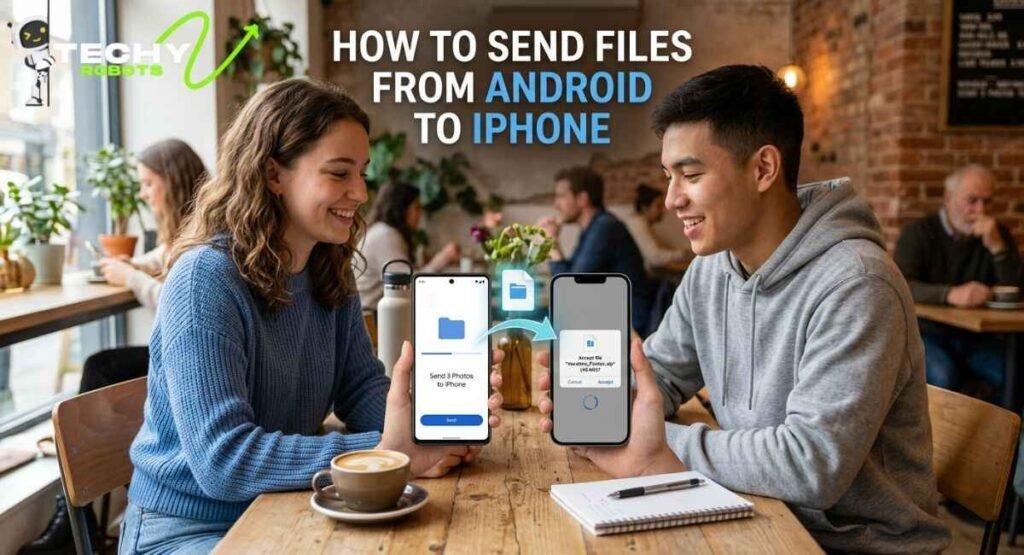
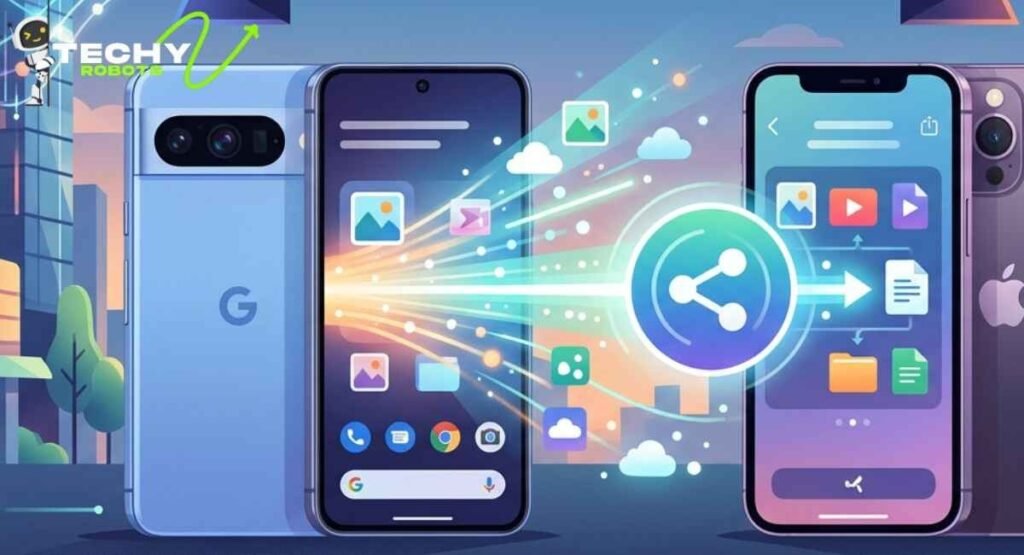
Here’s where things get genuinely tricky. Sending files between Android and iPhone is the cross-platform challenge that still requires a workaround in 2026. AirDrop won’t receive from Android. Quick Share won’t send to the iPhone. So what actually works?
Use Google Photos or iCloud
Both platforms support cross-ecosystem access. You can share a Google Photos album with an iPhone user or send an iCloud link to an Android user. This works great for photos and videos, though it does require an internet connection.
Use a Third-Party App Like AirDroid
AirDroid is one of the most popular apps for cross-platform wireless file sharing. It works over your local Wi-Fi network and allows you to transfer files between Android and iPhone, Android and PC, or Android and Mac without needing a USB cable. The interface is clean, it supports large files, and the basic version is free.
Use Snapdrop or LocalSend
Snapdrop and LocalSend are browser-based and app-based tools that create a local network file transfer session between any devices on the same Wi-Fi network, regardless of operating system. They’re like AirDrop for the entire internet, open, cross-platform, and surprisingly fast.
Bluetooth File Sharing (Limited)
Bluetooth file transfer between Android and iPhone is technically possible in some cases but painfully slow and unreliable in 2026 compared to Wi-Fi-based options. It’s really a last resort.
Email or Messaging Apps
For quick casual sharing a single photo, a document, a link just using iMessage, WhatsApp, Telegram, or plain email is still one of the most frictionless options. WhatsApp in particular supports large video files and compresses images automatically.
Nearby Share and Its Role in Cross-Platform Sharing
Nearby Share is the predecessor to Quick Share, and while the branding has evolved, the underlying technology remains central to Android’s wireless sharing strategy. Android’s Nearby Share used Wi-Fi Direct and Bluetooth Low Energy (BLE) to create peer-to-peer connections between devices.
In 2023, Google and Samsung merged Nearby Share and Samsung’s Quick Share into a unified feature simply called Quick Share. This was a huge deal because it meant the two biggest Android manufacturers were no longer splitting their user bases between two different protocols.
How to Enable Quick Share on Samsung
On Samsung devices, Quick Share is already installed and accessible from the notification panel. Swipe down from the top of your screen and look for the Quick Share toggle. Tap it to enable it, and your device becomes discoverable to nearby Android phones. You can also manage who can see your device, anyone nearby, your contacts, or only your own devices signed into your Google account.
Wi-Fi Direct and Wi-Fi Aware: The Tech That Powers Android Sharing
You’ll hear these terms a lot when people talk about Android file transfer, so let’s quickly break them down.
Wi-Fi Direct allows two Wi-Fi-enabled devices to connect directly to each other without needing a router in between. It’s what powers Quick Share’s fast transfer speeds. The connection is encrypted and operates on standard Wi-Fi frequencies.
Wi-Fi Aware (also called Neighbor Awareness Networking) is a more advanced feature that lets devices discover each other and even share small amounts of data before a full Wi-Fi Direct connection is established. It’s more battery-efficient for discovery purposes and makes the “find nearby device” step faster.
Together, these two technologies give Android a wireless transfer foundation that’s technically comparable to Apple’s AWDL, just not interoperable with it.
Security in Wireless File Sharing
One thing worth paying attention to is whether these wireless transfers are actually secure. Both AirDrop and Quick Share use encryption during the transfer process. AirDrop uses TLS encryption, and Quick Share uses end-to-end encrypted peer-to-peer connections.
That said, AirDrop has had documented security vulnerabilities in the past, particularly around the “Everyone” visibility setting, which could expose device information to nearby strangers before a transfer was even accepted. Apple has patched these over time, but it’s a reminder that convenience and security sometimes pull in opposite directions.
For sensitive files, always make sure your sharing visibility is set to Contacts Only (on AirDrop) or to a restricted audience (on Quick Share). Avoid leaving your device open to “Everyone” in crowded public spaces.
Best Apps for Wireless File Transfer Between Android and iPhone in 2026
If you’re regularly moving files between Android and iPhone, having a dedicated app makes life much easier. Here are the top options worth knowing:
- AirDroid has been around for years and remains one of the most feature-rich tools for cross-platform wireless sharing. It supports file transfer, screen mirroring, and even remote device management over local Wi-Fi.
- LocalSend is an open-source alternative that works on Android, iOS, Windows, Mac, and Linux. It’s fast, private (no accounts needed), and completely free. Many tech users consider it the best true AirDrop alternative for cross-platform sharing.
- Snapdrop works entirely in the browser, meaning you don’t even need to install an app. Just open the website on both devices connected to the same Wi-Fi, and you can drop files between them instantly.
- Google Drive and iCloud are cloud-based rather than direct wireless transfers, but they’re seamlessly integrated into their respective ecosystems and work for most everyday sharing needs.
- HONOR Share is worth mentioning for HONOR and Huawei device users, as it uses a similar peer-to-peer Wi-Fi architecture and has expanded cross-device support in recent years.
How to Fix Common File Transfer Issues Between Android and iPhone
Sometimes things just don’t work, so here’s a quick troubleshooting guide for when your wireless file transfer isn’t cooperating.
Both devices need to be on the same Wi-Fi network for apps like LocalSend, Snapdrop, or AirDroid to work. If one device is on mobile data and the other is on Wi-Fi, the connection will fail.
Make sure Bluetooth is enabled on both devices when using Quick Share or AirDrop, as Bluetooth handles the initial device discovery phase even when Wi-Fi handles the actual transfer.
Check your visibility settings. On AirDrop, if your settings are on “Contacts Only” and the sender isn’t in your contacts, they won’t be able to find you. On Quick Share, the same principle applies.
Restart both devices if transfers keep failing. A quick reboot clears any stuck Bluetooth or Wi-Fi states that might be blocking the connection.
Update your OS. Both Apple and Google regularly push updates that fix wireless transfer bugs, so running outdated software can cause issues that are already resolved in newer versions.
The Future of Android and AirDrop Cross-Compatibility
The idea of true cross-platform AirDrop functionality where an Android user could send a file directly to an iPhone using the AirDrop protocol isn’t as far-fetched as it once seemed. The European Digital Markets Act continues to put pressure on Apple to open its ecosystem, and interoperability has become a regulatory priority across major markets.
Google has already shown with Quick Share that they can build something technically on par with AirDrop. If Apple were ever required or incentivized to open the AWDL protocol, Android-to-iPhone wireless transfers could become seamless overnight. Whether that happens in 2026, 2027, or beyond is still an open question, but the momentum is pointing in that direction.
Until then, Quick Share handles Android-to-Android perfectly, and tools like LocalSend and AirDroid fill the cross-platform gap with minimal friction.
Conclusion
AirDrop doesn’t work on Android at least not in the direct sense. It’s Apple’s proprietary system, and Apple built it to stay within the Apple ecosystem. But Android has Quick Share, which does the same job beautifully for Android-to-Android transfers. For cross-platform sharing between Android and iPhone, apps like LocalSend, AirDroid, and Snapdrop get the job done wirelessly and quickly without needing a cable or a cloud service.
The file transfer landscape in 2026 is honestly better than it’s ever been. You’re no longer stuck emailing yourself photos or hunting for a USB-C to Lightning adapter. A solid wireless solution exists for almost every imaginable device combination.
If you’re an Android user looking for a seamless AirDrop-like experience, Quick Share is already on your phone and ready to go. And if you’re frequently bridging the Android-iPhone divide, bookmark LocalSend it might just become your new favorite app.
FAQs
1. Can Android phones use AirDrop directly?
No. AirDrop is an Apple-exclusive feature that uses a proprietary protocol called AWDL, which only runs on Apple devices. Android phones cannot access or use AirDrop natively.
2. What is the best AirDrop alternative for Android?
Quick Share (built into Android) is the best AirDrop alternative for Android-to-Android sharing. For cross-platform transfers between Android and iPhone, LocalSend and AirDroid are the top choices in 2026.
3. How do I send a file from Android to iPhone wirelessly?
The easiest way is to use an app like LocalSend or AirDroid on both devices while connected to the same Wi-Fi network. You can also use Google Photos, iCloud, or messaging apps like WhatsApp for casual sharing.
4. Does Quick Share work between Android and iPhone?
Quick Share works between Android devices only. It does not support direct transfers to the iPhone. For Android-to-iPhone sharing, you need a third-party app or cloud service.
5. Is wireless file transfer between Android and iPhone secure?
Yes, when using reputable apps like LocalSend or AirDroid, transfers are encrypted. LocalSend in particular uses TLS encryption for all transfers. Always use trusted apps and avoid public Wi-Fi when transferring sensitive files.